
Everything inside
Simple on top.
Deep underneath.
See what StackXo does at the table, after the session, and over time.
At the table
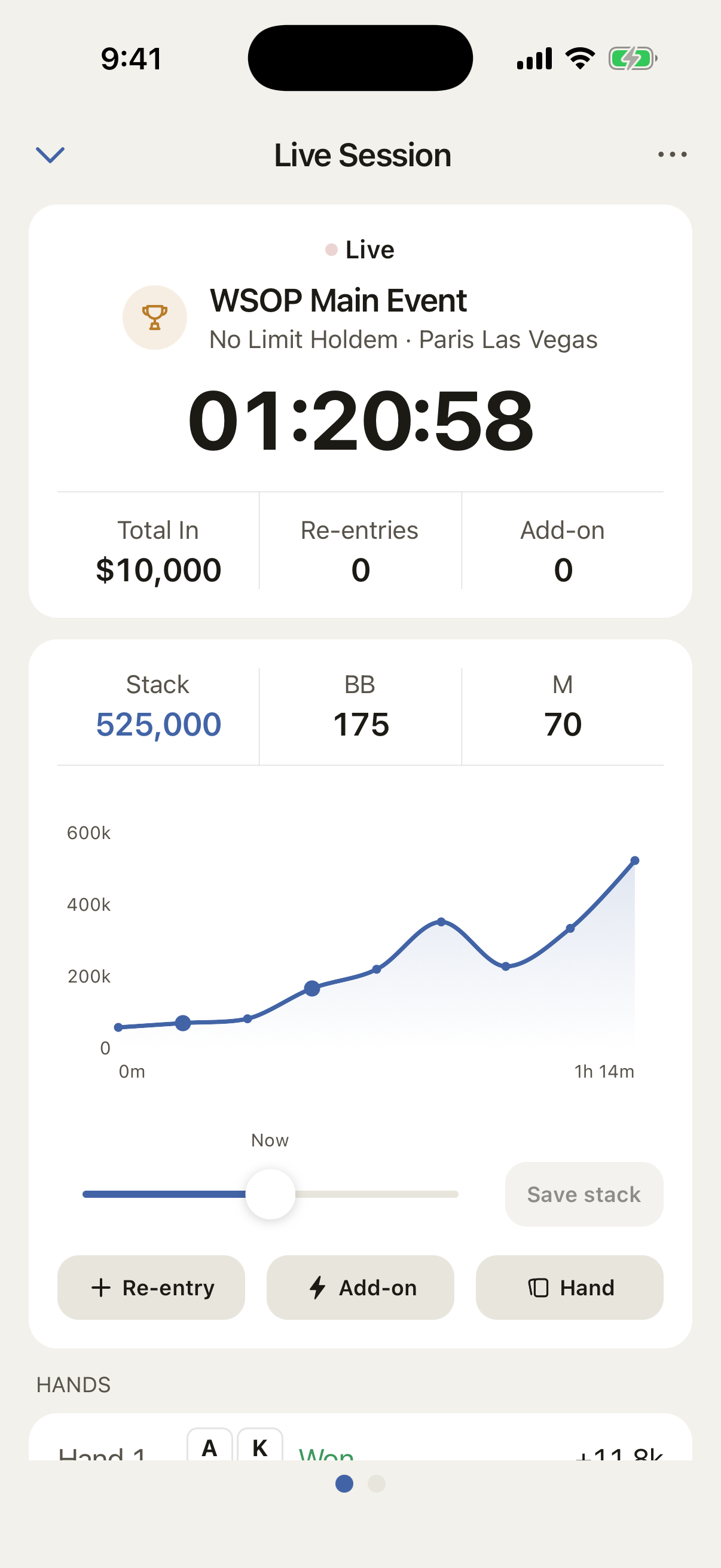
The session runs while you play.
Start the timer and update your stack as you play. The chip flow shows each change, including the drop before a re-entry, so the session still makes sense later.
- Or log a finished session later: buy-in, cash-out, stakes, game, location
- Reloads, re-entries, add-ons, bounties and chops all covered
- Write a note on any session and search it later
Hand history
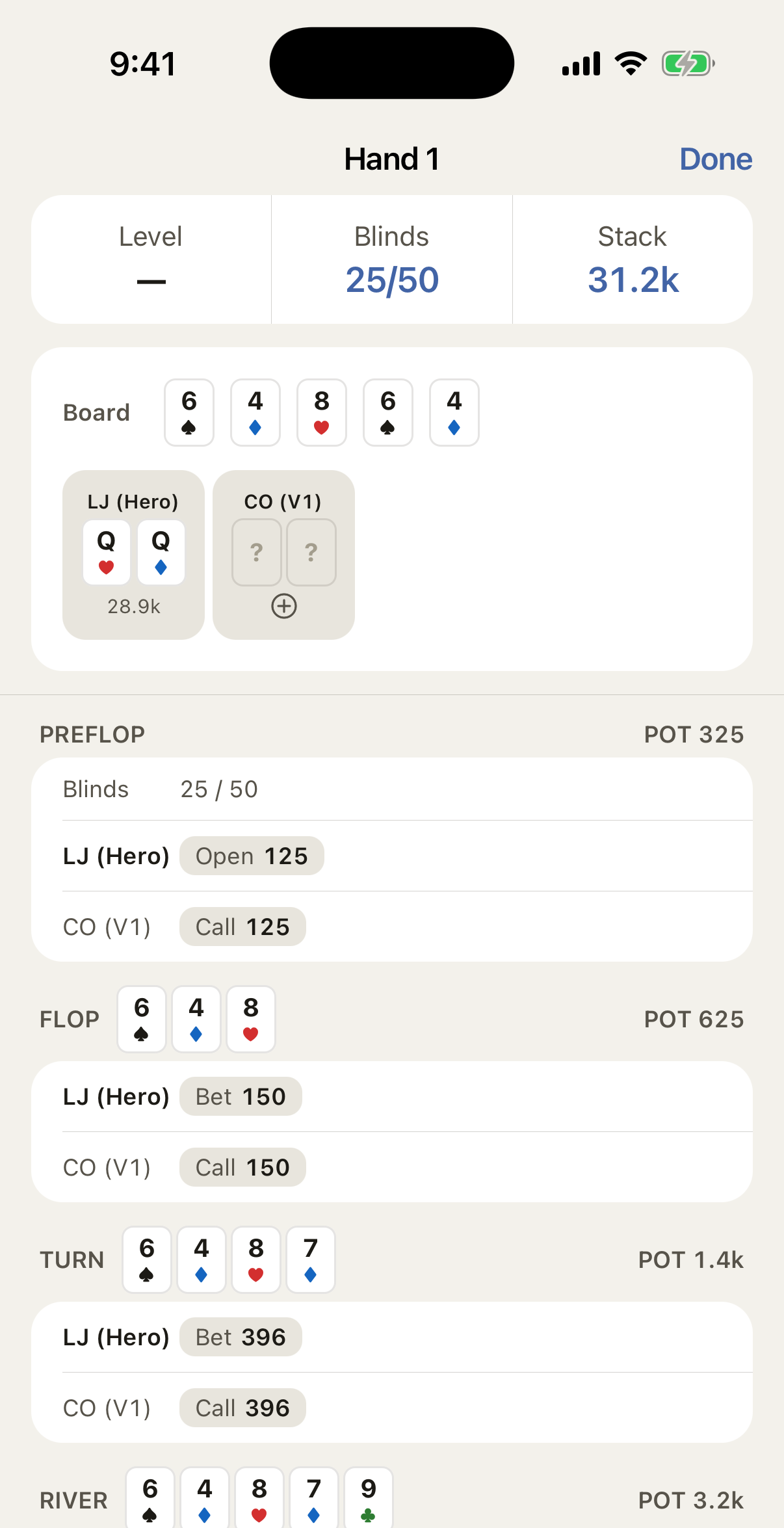
Keep the hands that changed the session.
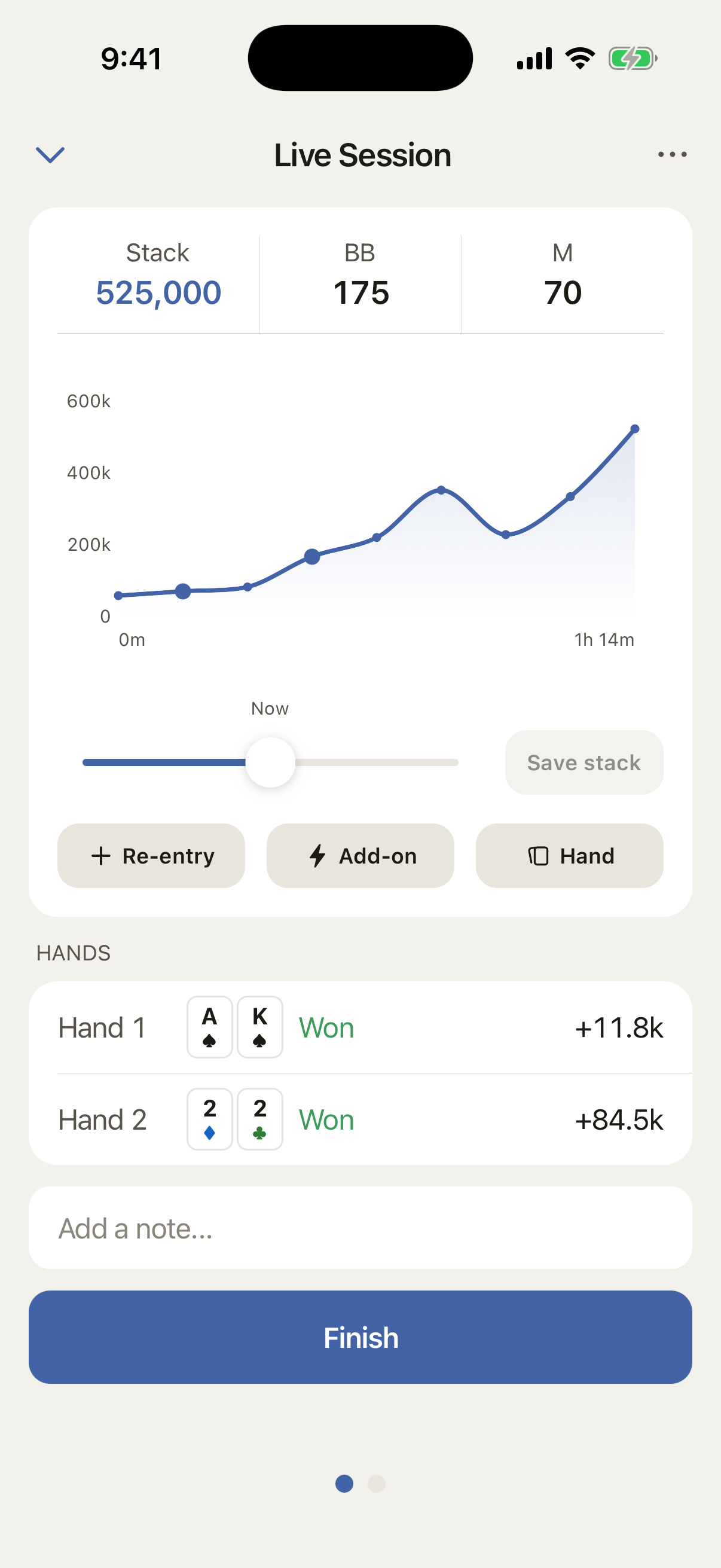
Log the hands that mattered while you play. They stay alongside the session’s levels and chip flow, so you can see how each hand affected the result.
- Record hole cards, outcome and stack change in seconds
- Review the hands alongside the session they came from
- No separate notebook or hand-history app to maintain
Stats
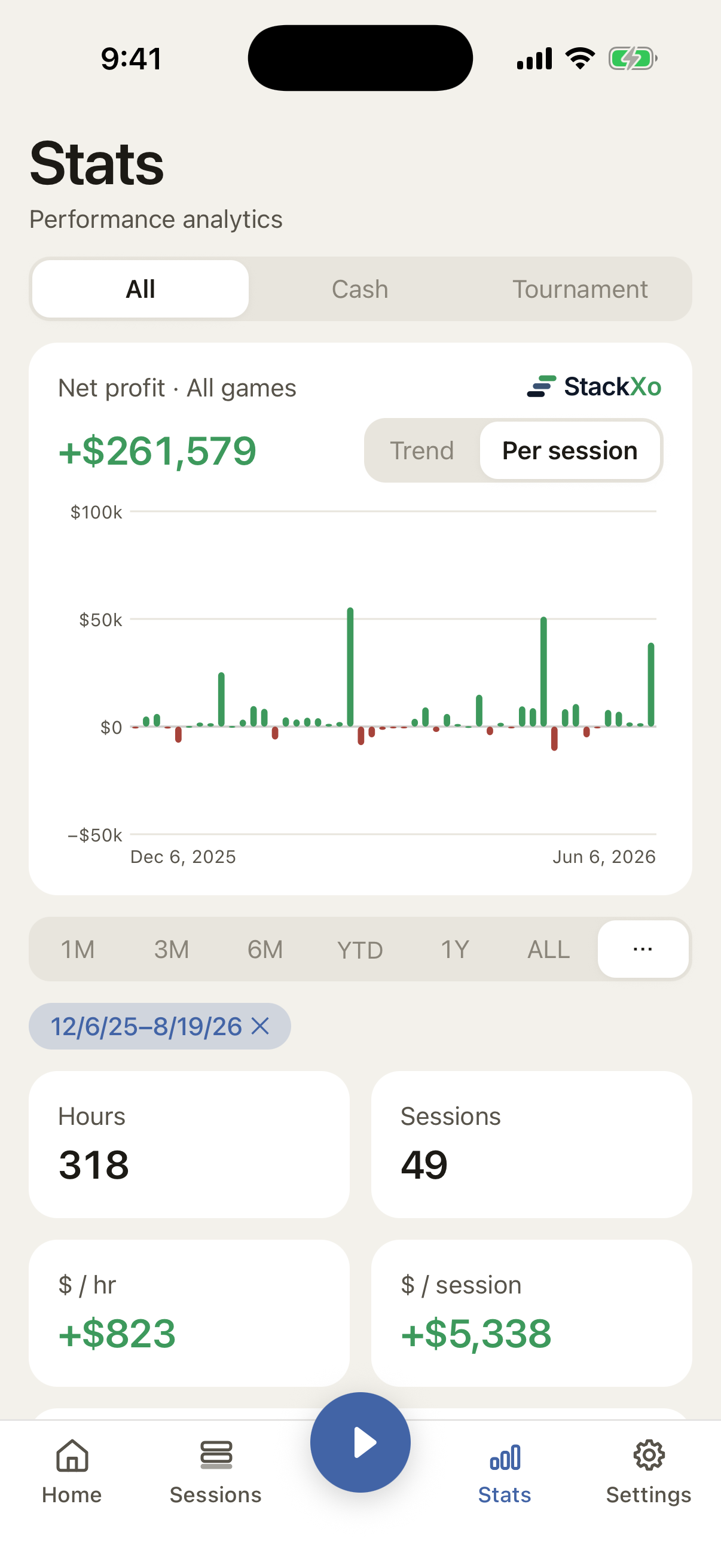
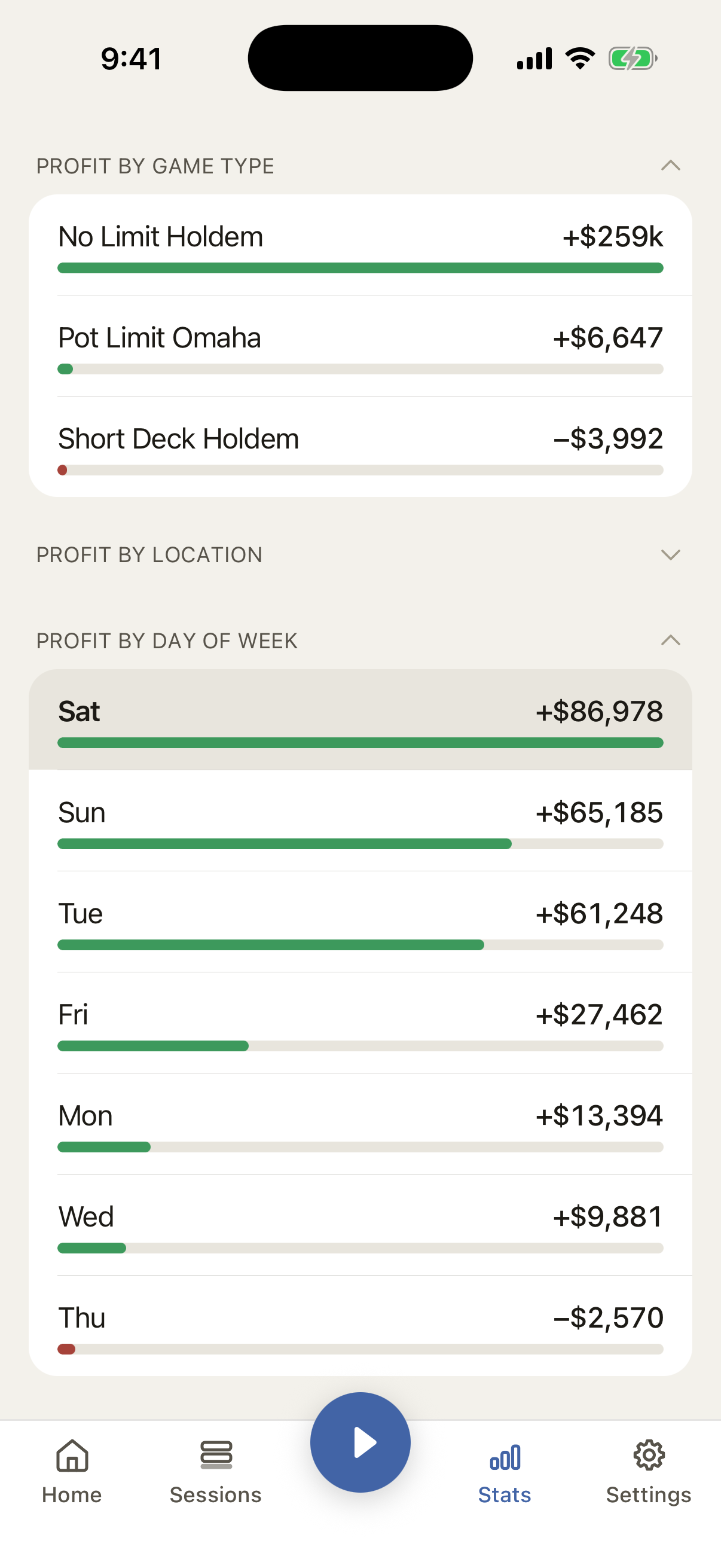
See where the profit comes from.
A big win is easy to remember. The useful part is knowing which games, stakes, and rooms make money over time.
- Win rate, hourly rate, ROI, BB/hr and BB/100
- Profit by stakes, by location, by game type
- A profit graph across your whole history
- Tournament stats: ITM %, final table %, average finish
Records
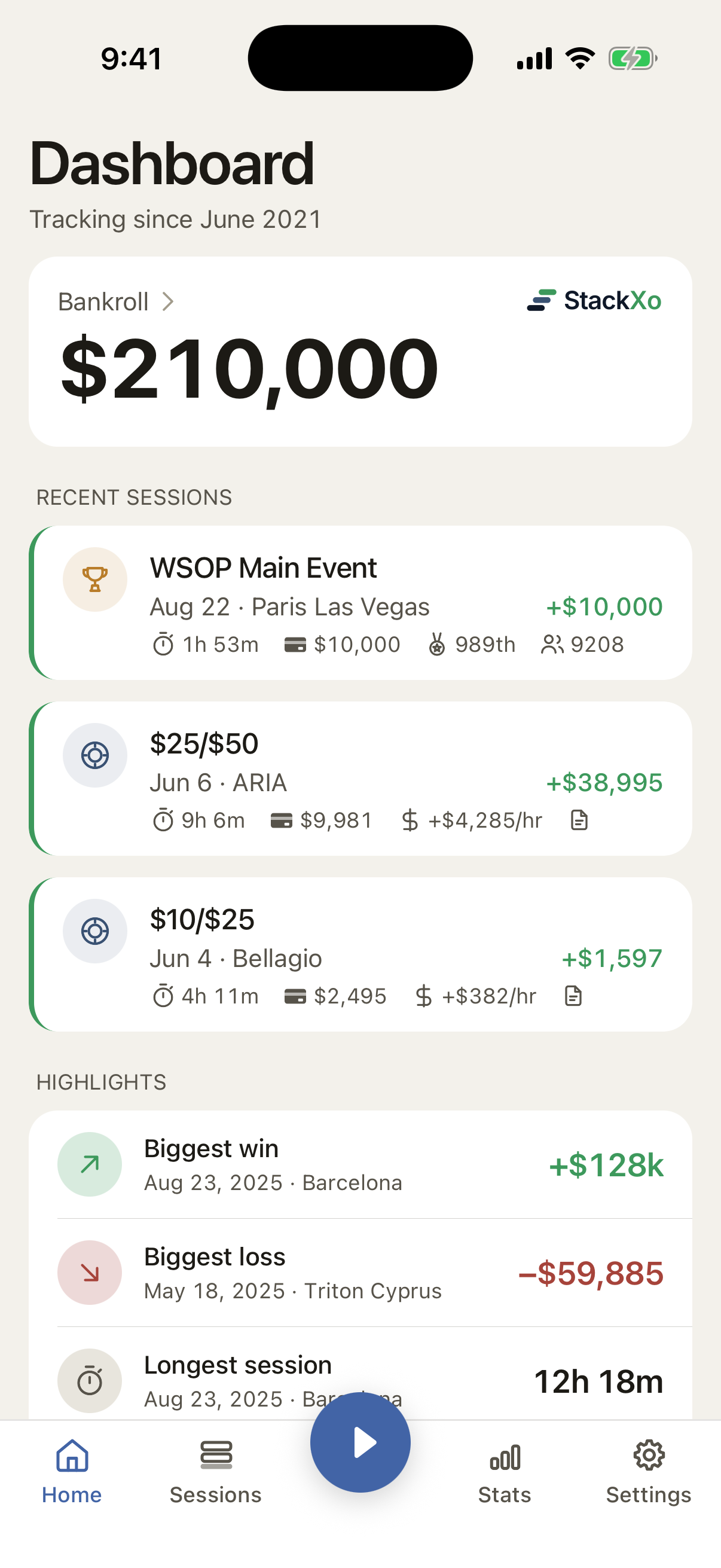
Your best and worst sessions, easy to find.
StackXo updates your biggest win, biggest loss, longest session, and deepest run as your history grows. You do not have to tag them yourself.
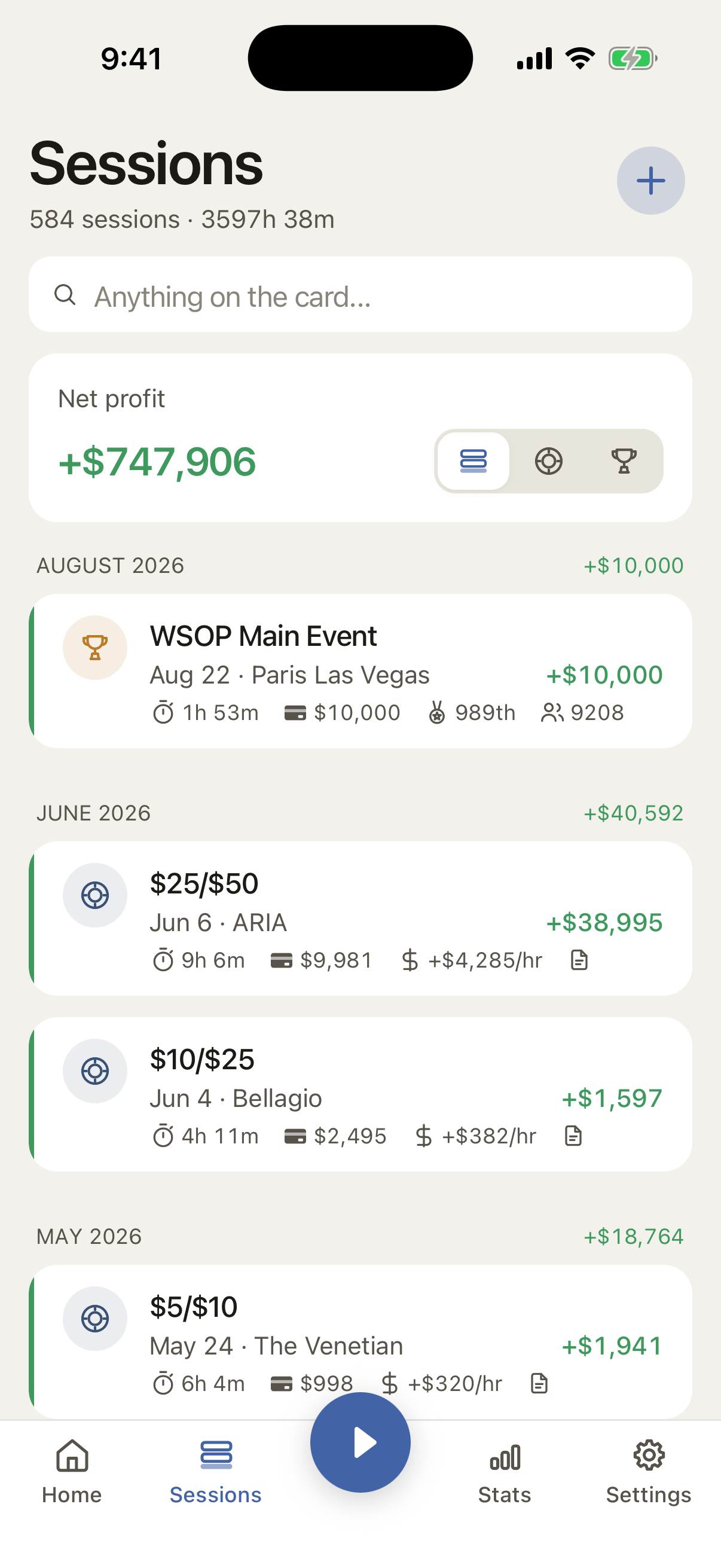
- Search your sessions by room, stake or note
Multi-currency
Keep your bankroll in your currency.
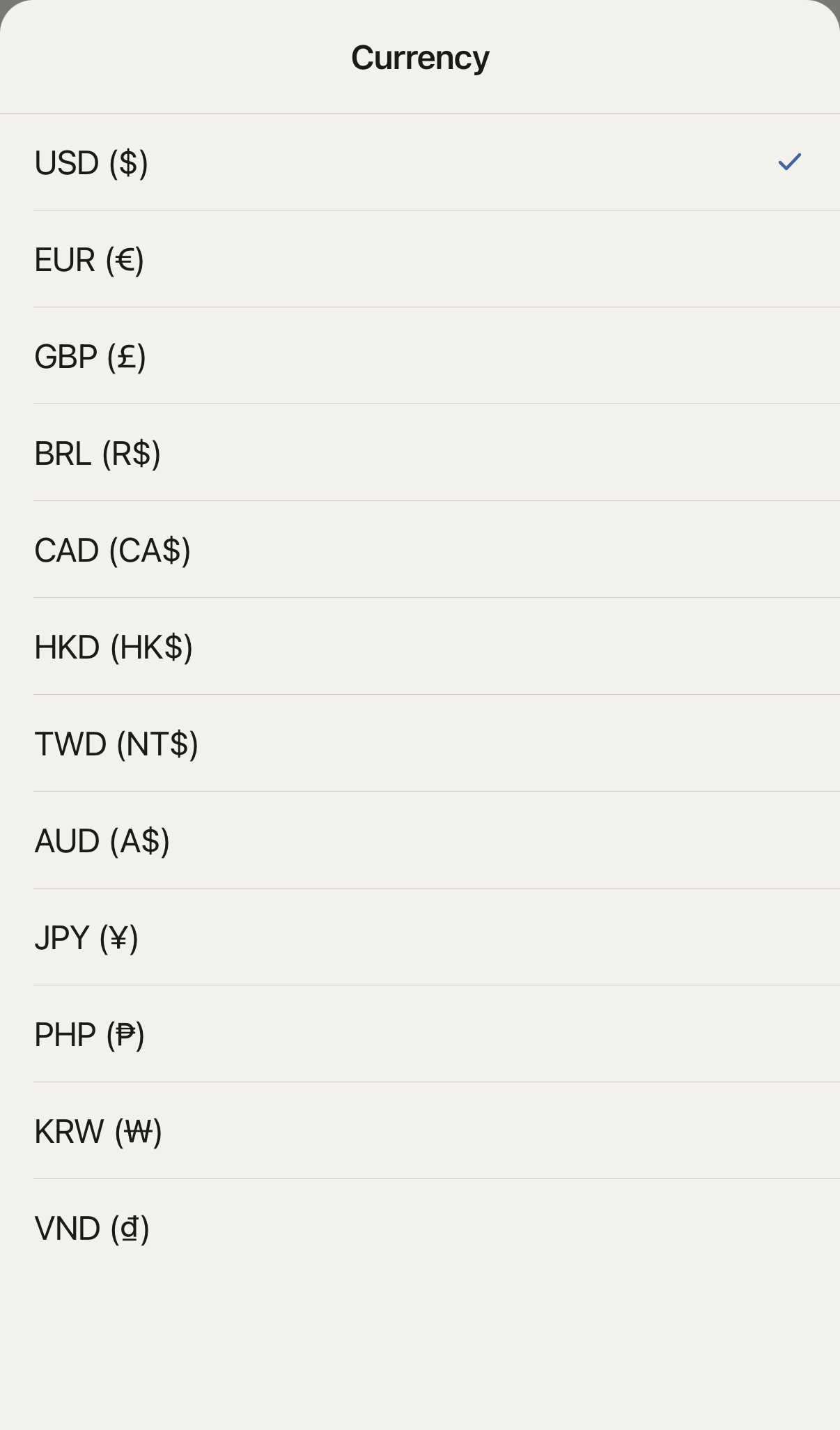
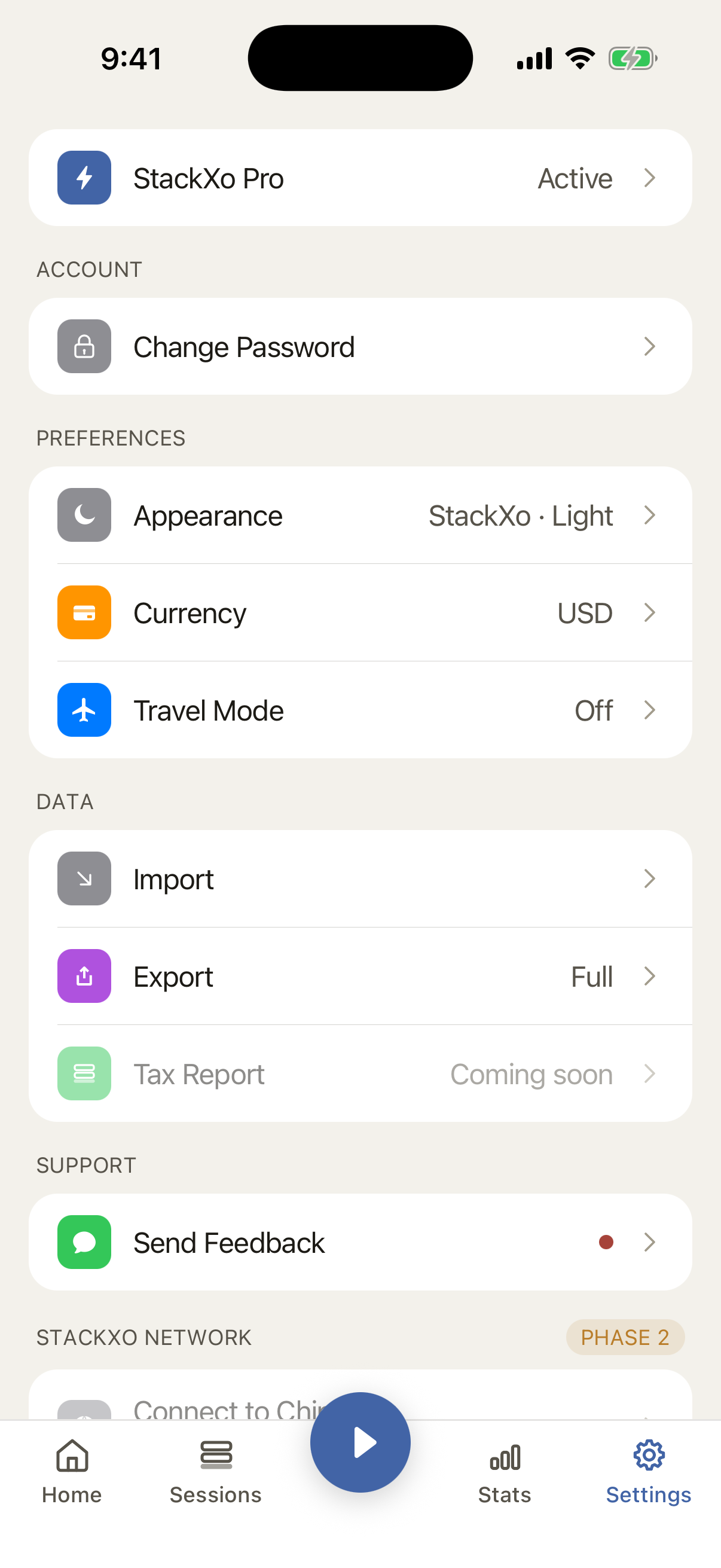
Choose your home currency and StackXo uses it for buy-ins, results, stats, graphs, and totals. Twelve currencies are supported, so your bankroll does not have to live in dollars.
- USD, EUR, GBP, BRL, CAD, HKD, TWD, AUD, JPY, PHP, KRW, VND
- Symbols and formatting follow the currency, down to the blinds
- Switching your home currency converts everything you have already logged
Import
Bring your history with you.
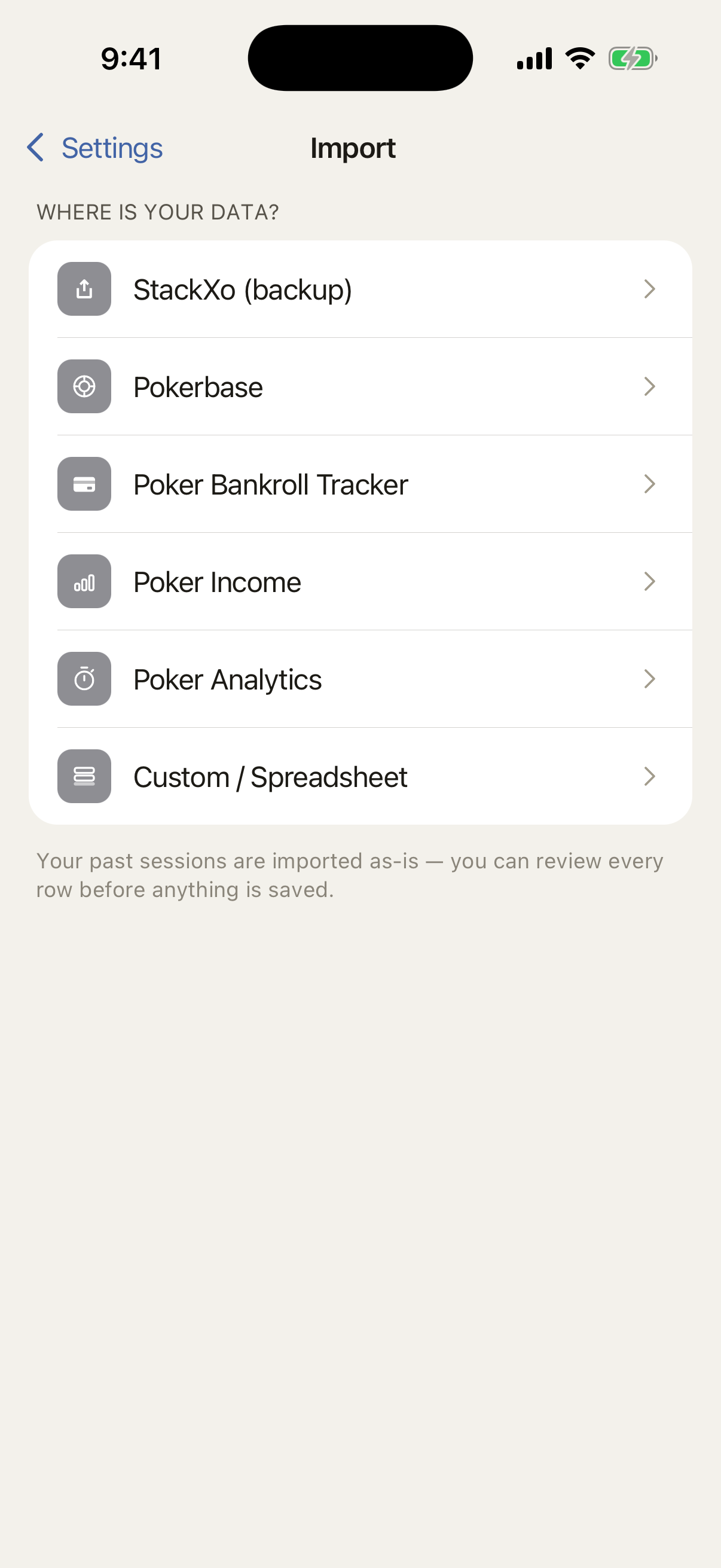
Presets for Poker Bankroll Tracker, Pokerbase, Poker Income and Poker Analytics, plus a custom template for whatever spreadsheet you’ve been keeping.
- You see every row before anything is saved
- Anything that looks like a duplicate is flagged and left unchecked
- Bring a CSV in or send your StackXo history back out
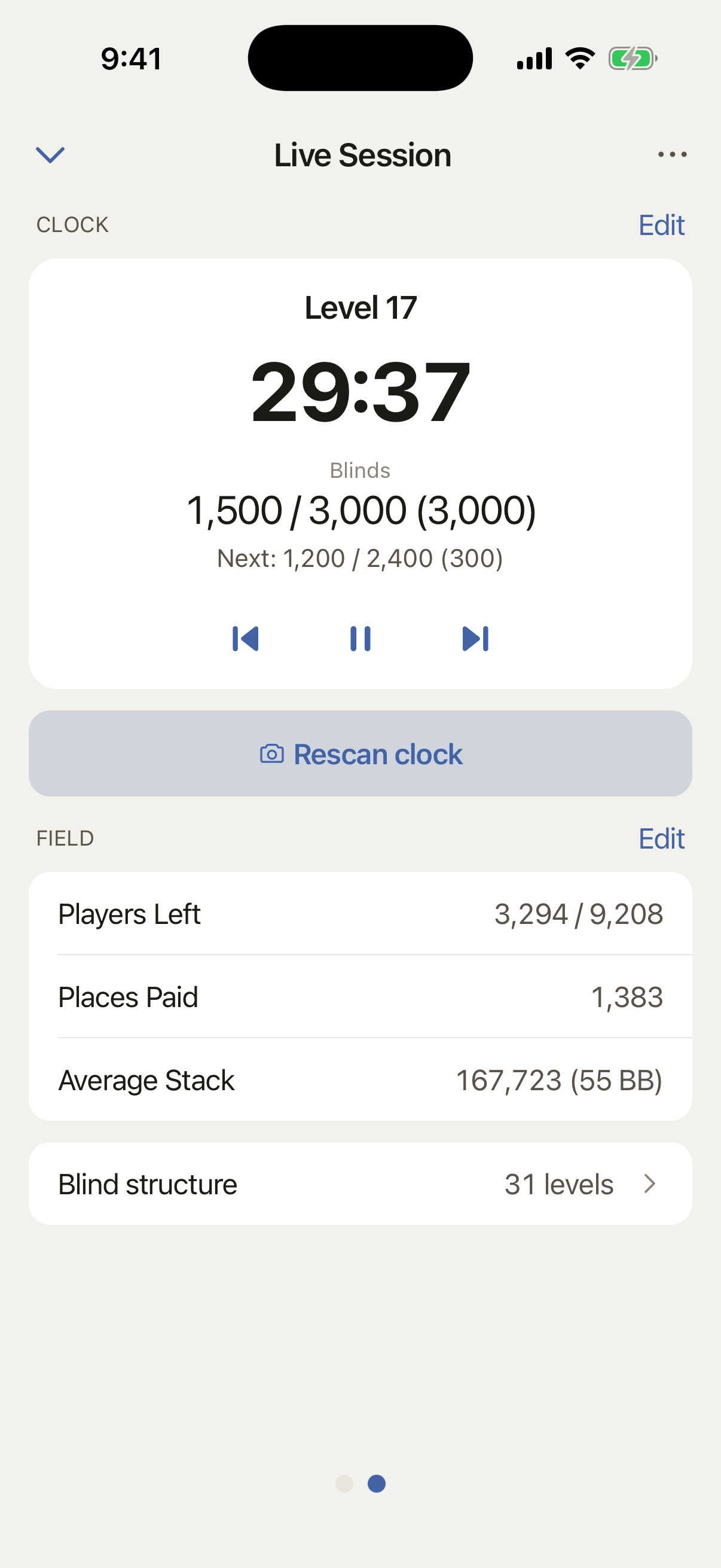
The clock
Point your camera. Done.
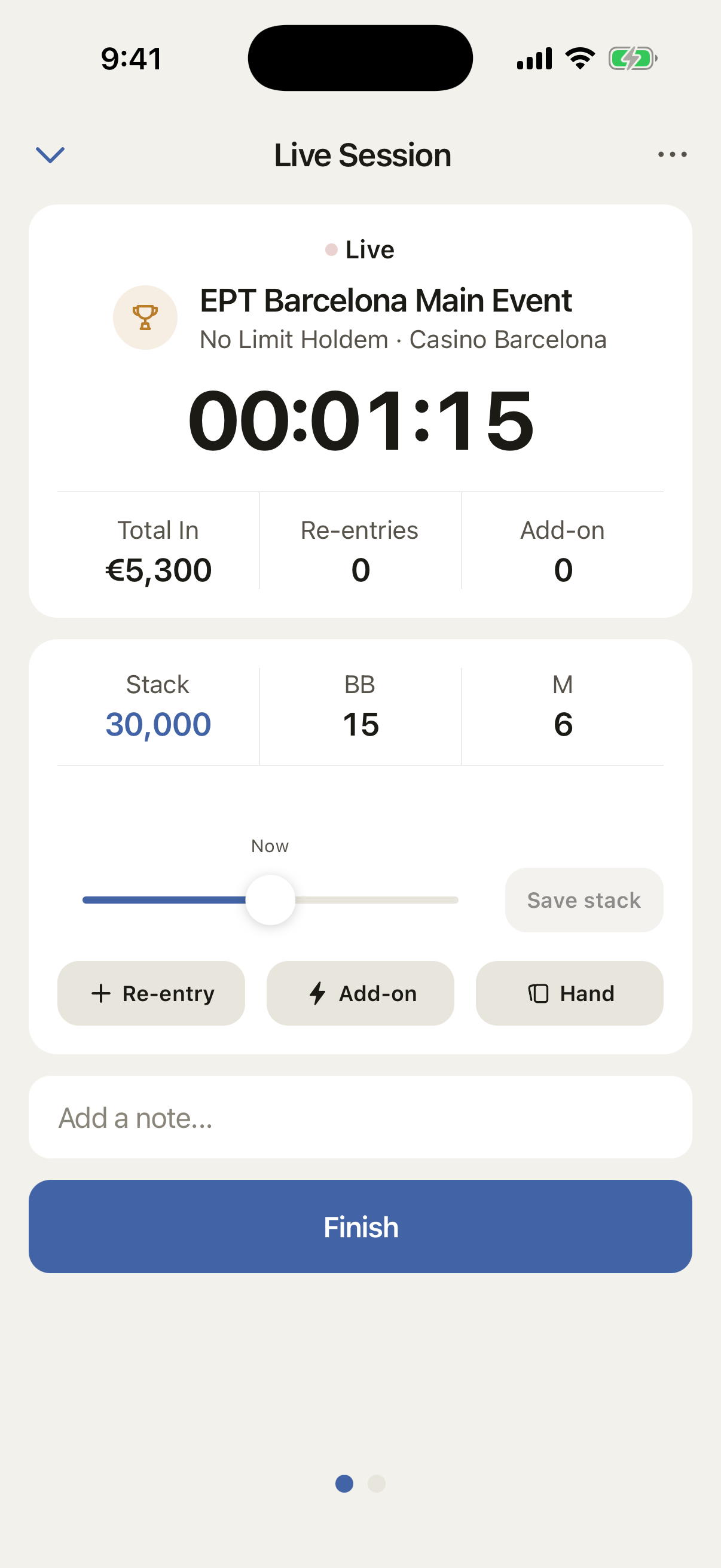
Take a photo of the tournament board and StackXo fills in the session name, buy-in, game type, and bounty. Scan the structure sheet to load the levels and breaks into the built-in clock. It also keeps average stack and players left in view.
- If a field isn’t on the board, it’s left blank for you to fill in
- Photos are never stored
- Rescan the clock whenever the level changes. Structure sheets add up instead, so a long one is just a few photos
Travel
Play anywhere. Your bankroll stays home.
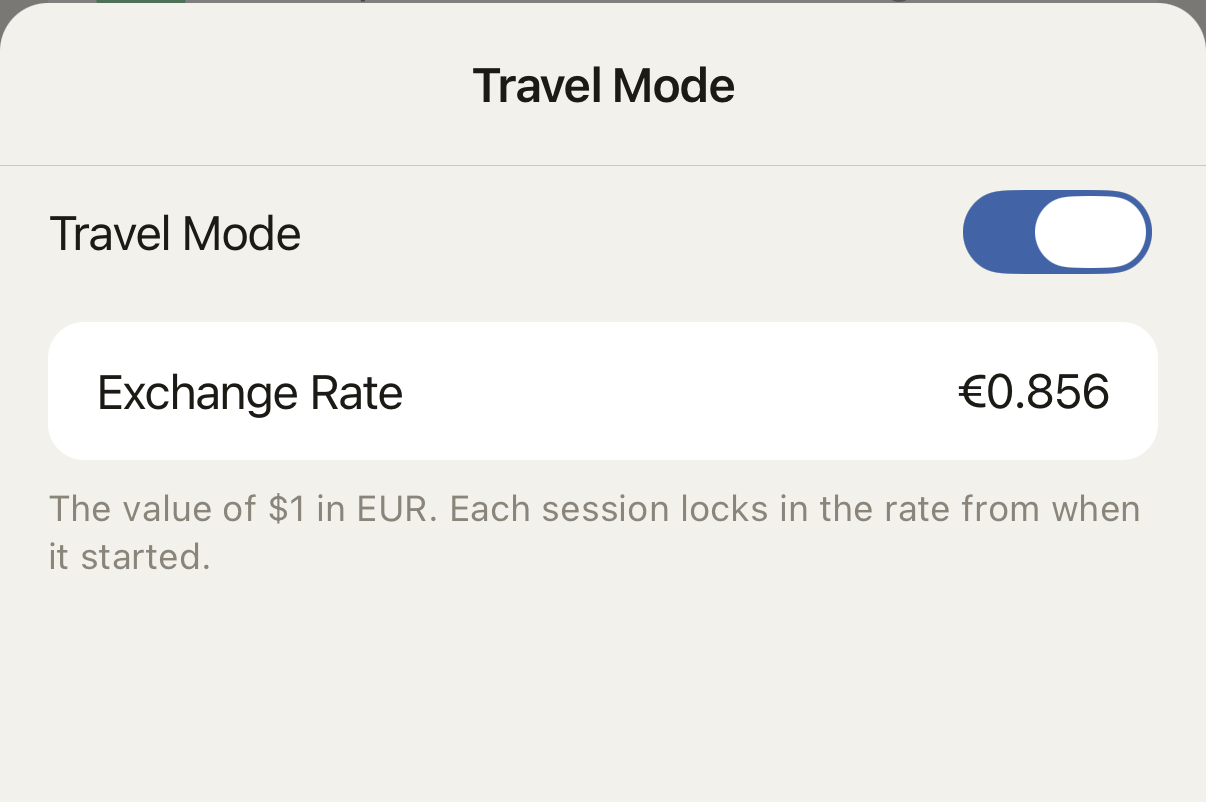
Log the session in the currency on the table. StackXo locks the exchange rate when the session starts and converts the result to your home currency.
- Chips and blinds stay in the local numbers you see on the table
- Every session keeps its own time zone
Advisor
Advice built from your own results.
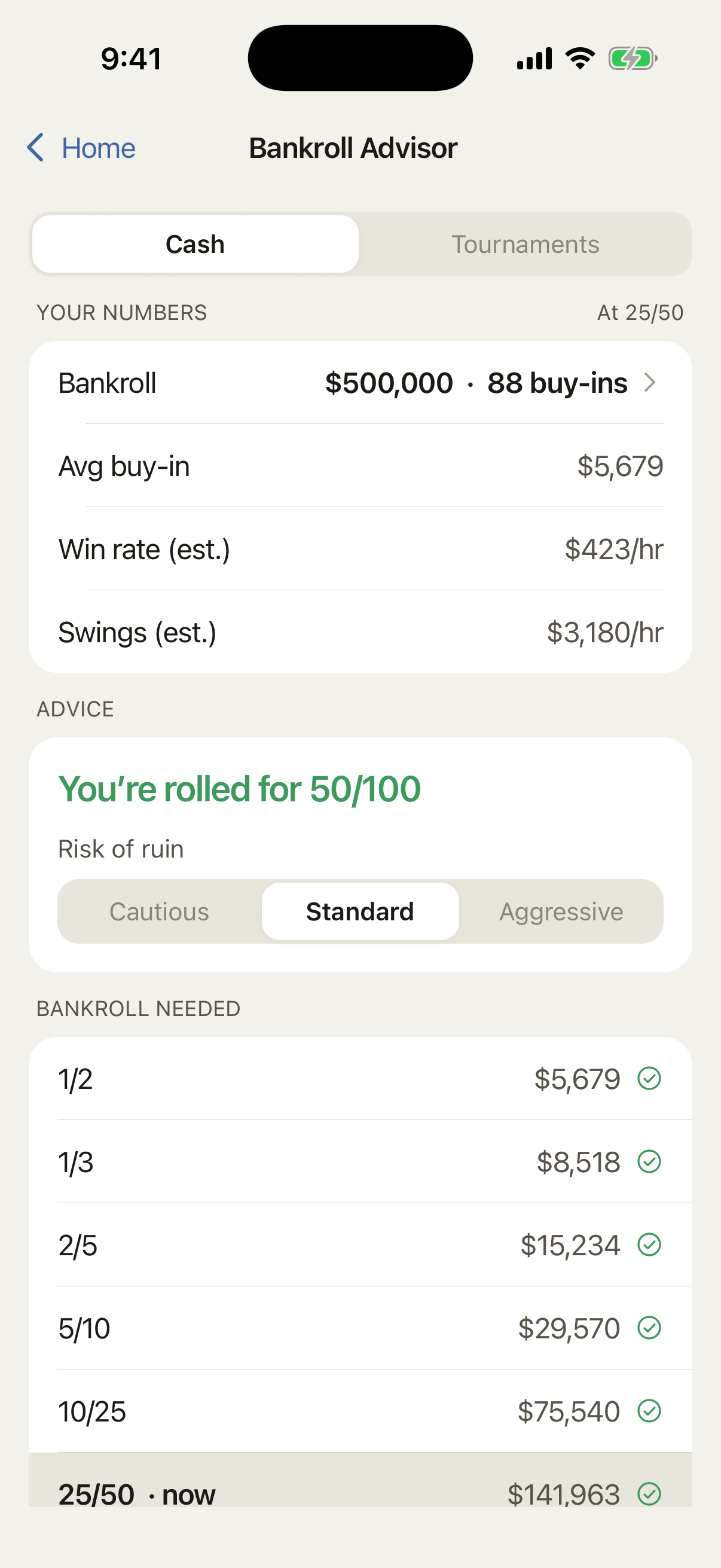
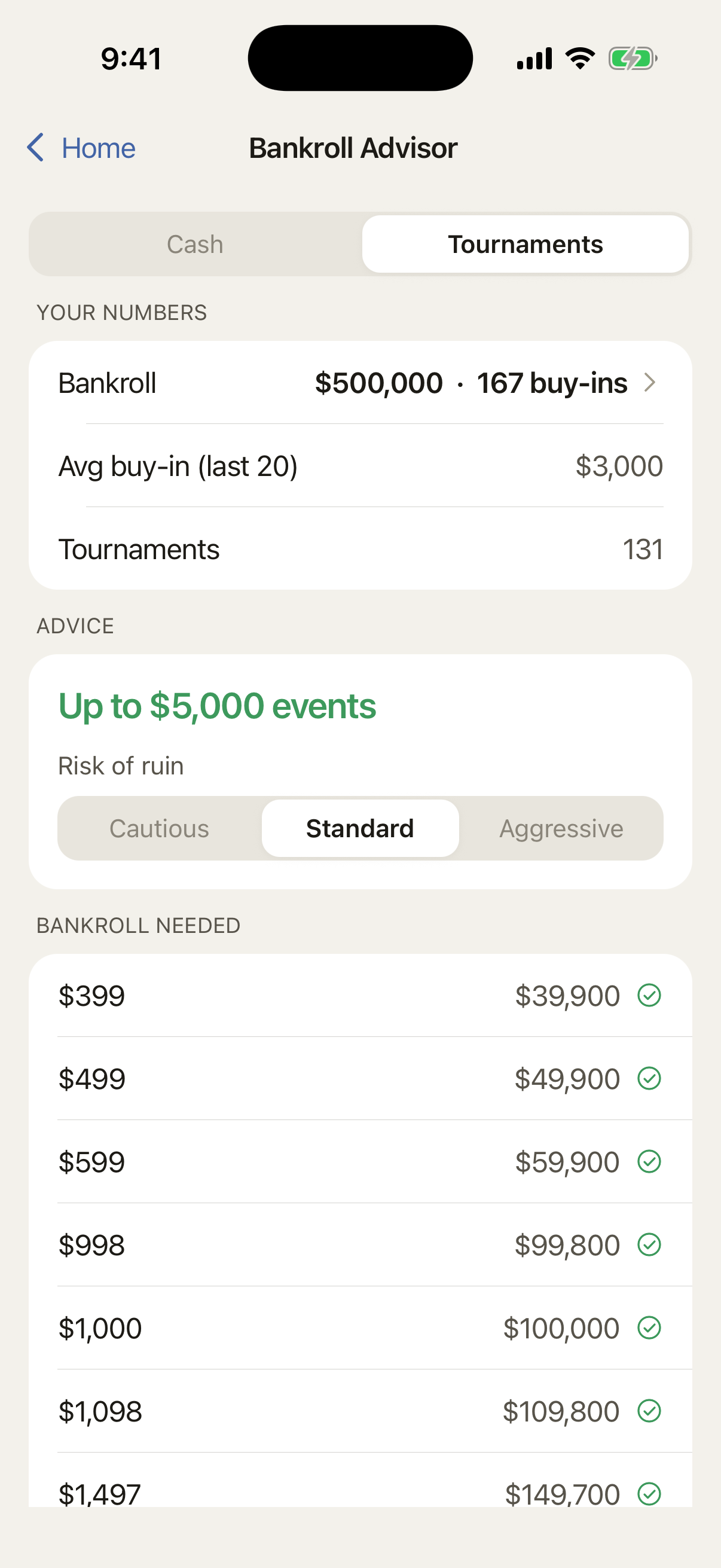
Bankroll Advisor uses your bankroll, win rate, swings, and risk of ruin to estimate which stakes your roll can support. When your own history is still thin, it uses standard assumptions and tells you. As you log more sessions, your results carry more weight.
- Cash games and tournaments each get their own answer
- Choose how much risk you’re willing to carry, from cautious to aggressive
- See the bankroll every level up would need, before you sit down
- If the win rate isn’t there yet, it says so instead of dressing it up
Free and Pro
Unlimited sessions. Free.
Keep every cash game and tournament in one record, with no cap on sessions. Pro adds the Advisor, unlimited scanning and unlimited foreign-currency sessions.
Free
- Unlimited sessions
- The live timer and chip flow
- The tournament clock
- Stats, filters and your profit graph
- Notes and search
- Twelve home currencies
- Your whole history imported
- Synced, so a lost phone isn’t a lost history
Pro
- Bankroll Advisor - the stakes you are rolled for, cash and tournament
- Unlimited scanning - free covers five sessions a month
- Unlimited foreign-currency sessions - free covers your first three
Start tracking tonight.


Free to download · No ads · Your data is never sold